
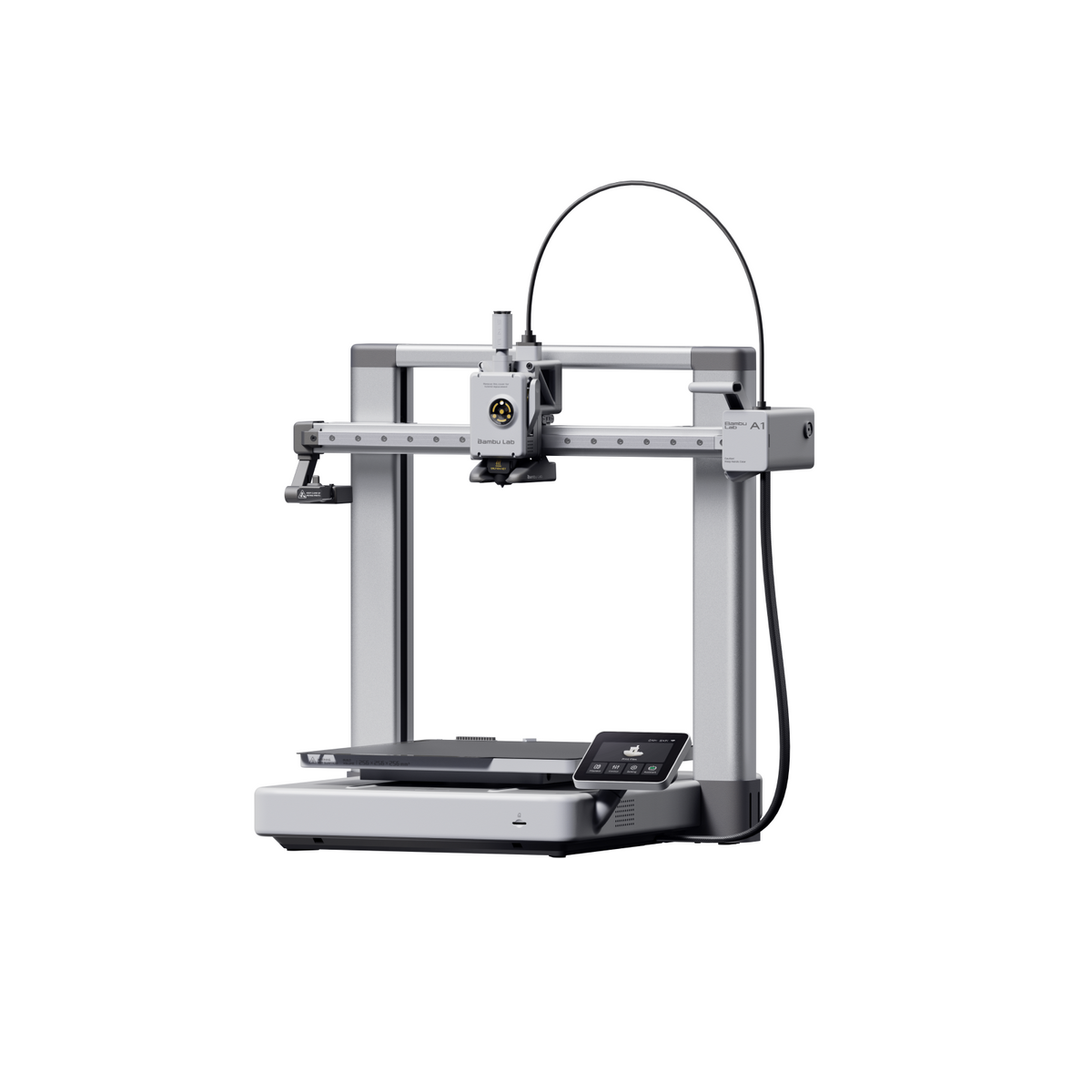
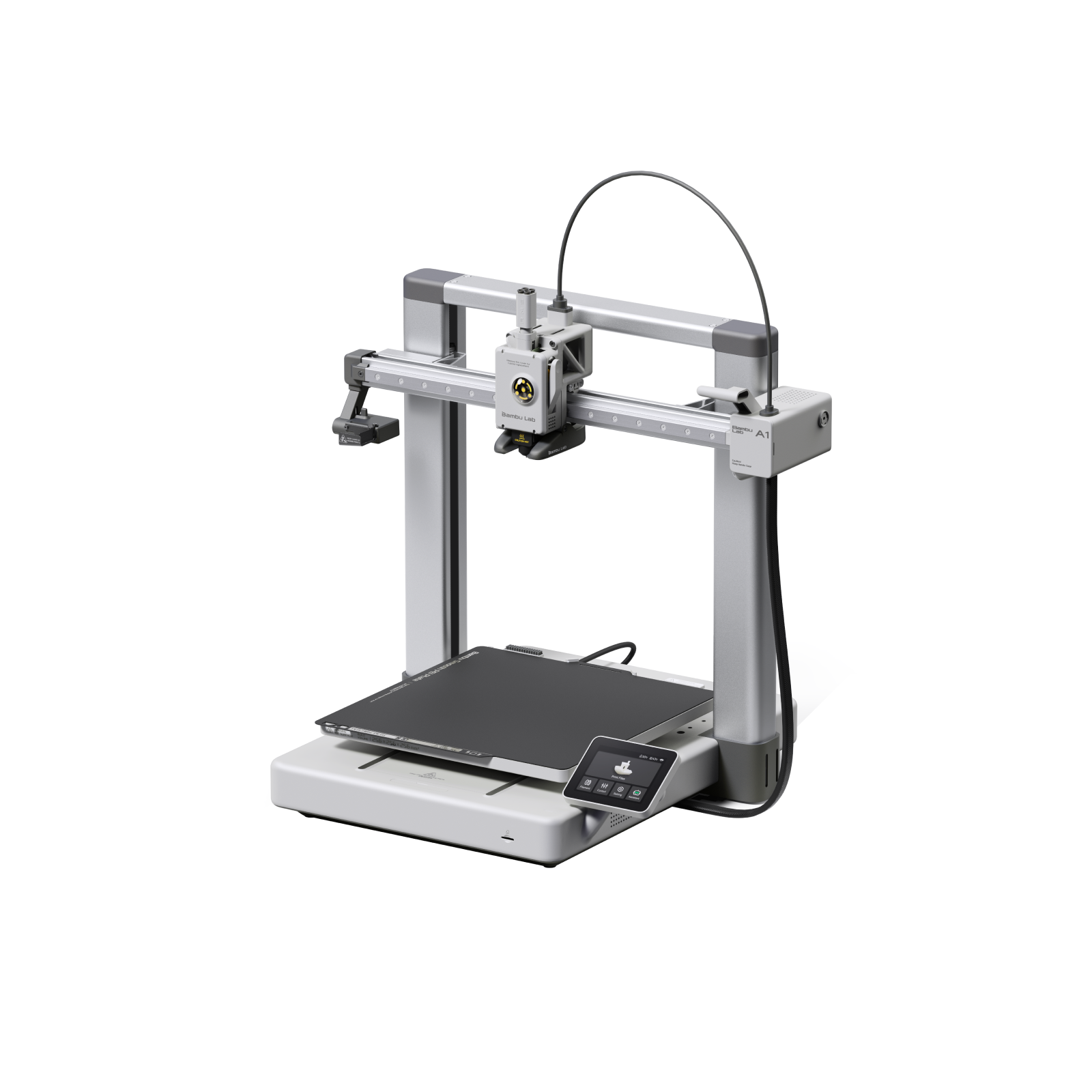
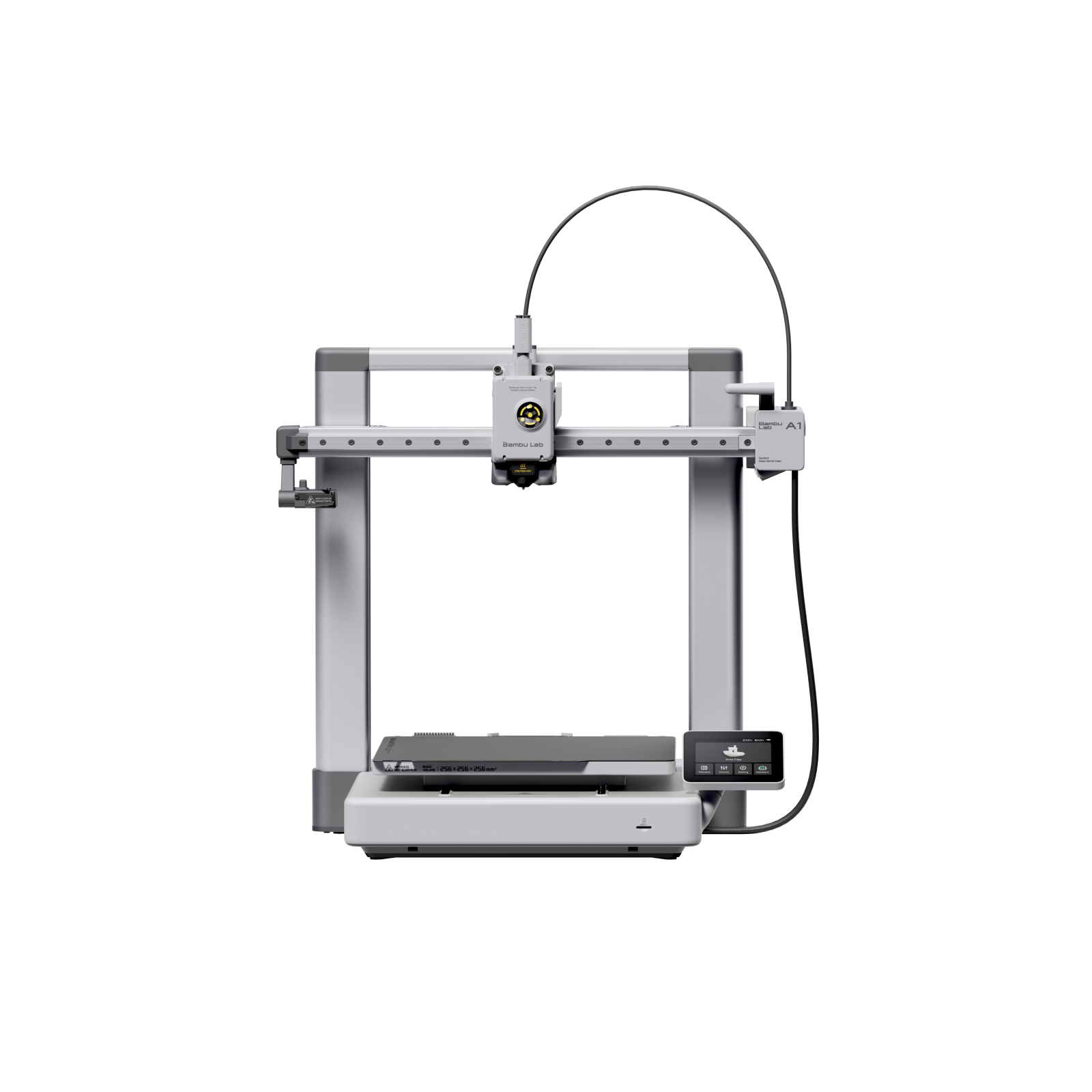
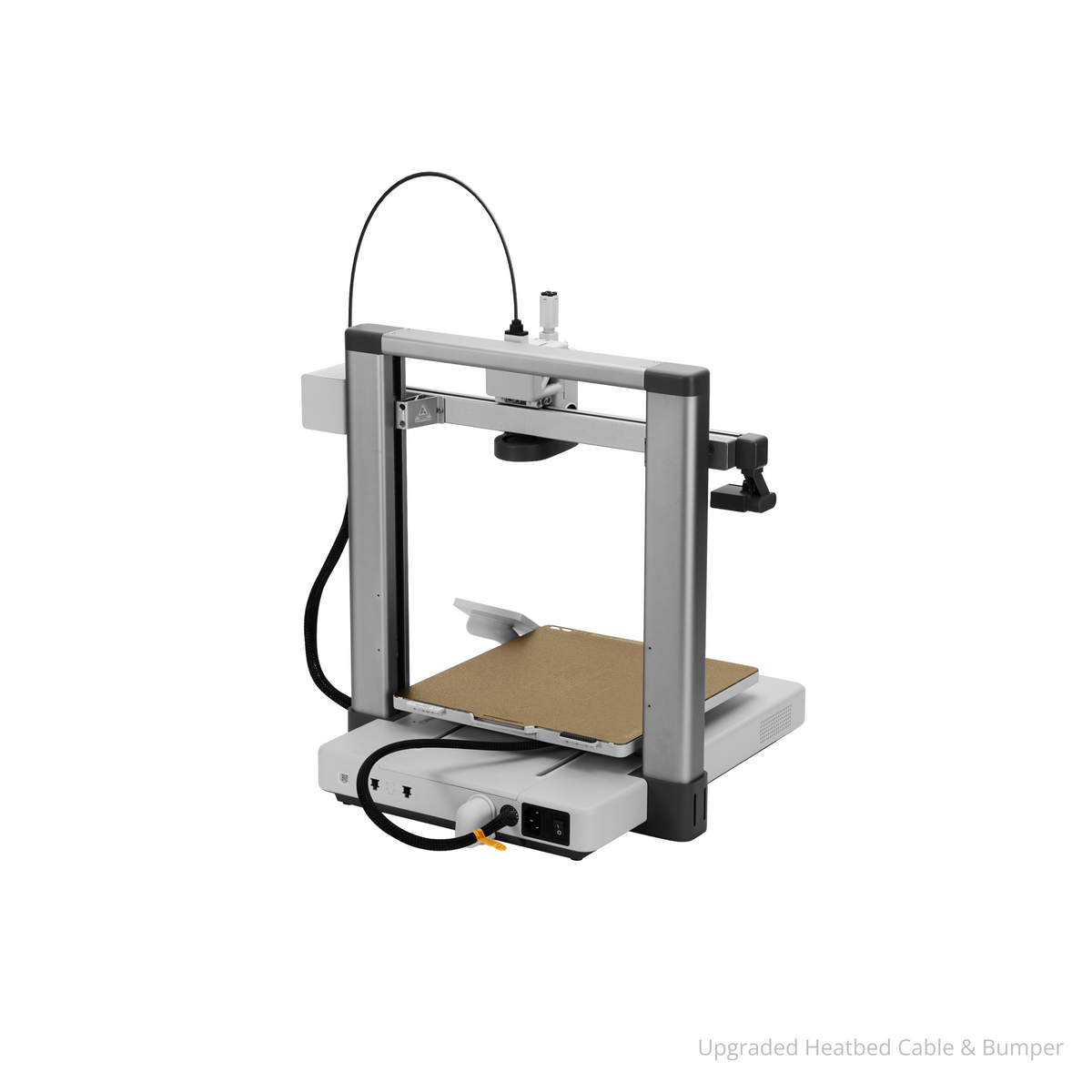
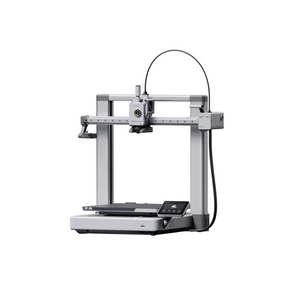
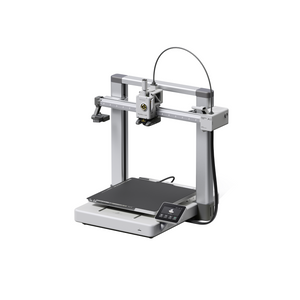
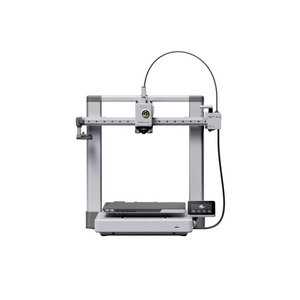
Bambu Lab A1
Pickup currently unavailable at ADDITRONIX PRINTING MACHINERY TRADING LLC
Key Features
- Full Auto-Calibration System – Automatic Z-offset, bed leveling, and vibration compensation for every print job
- High-Speed Bed-Slinger Design – 500 mm/s printing with 10,000 mm/s² acceleration and full-metal rails
- Multi-Color AMS Lite Ready – Compatible with 4-color printing system for creative projects
- All-Metal Construction – 300°C hotend with stainless steel nozzle and hardened steel extruder gears
- Silent Operation – Active Motor Noise Cancelling reduces noise under 48 dB in Silent Mode
- Direct Drive Precision – Hardened steel gears with filament cutter for reliable material handling
- Comprehensive Sensor Suite – Filament run-out, tangle detection, odometry, and 1080P monitoring camera

Bambu Lab A1
A Colorful Gateway to 3D Printing


Frequently asked questions
Still looking for an answer?
What's the difference between the Bambu Lab A1 and the A1 Combo?
The A1 is the standalone printer, while the A1 Combo bundles the same printer with the AMS lite (Automatic Material System lite) for four-color, multi-material printing. Both share the identical 256 x 256 x 256 mm build volume, 500 mm/s top speed, and full auto-calibration — the Combo simply adds automatic color and material switching straight out of the box. If you print mostly in single colors, the standalone A1 has you covered; if you want automatic multi-color prints, the Combo is the more convenient choice because it comes with the AMS lite already included rather than buying and adding it later.
Does the A1 Combo include the full AMS, and how many AMS units can the A1 support?
No - the A1 Combo includes the AMS lite, not the enclosed full AMS used on the P-series and X-series printers. The AMS lite is an open-frame four-spool unit designed specifically for the A1 and A1 Mini. As Bambu Lab states, "The A1 series printers can only be connected to one AMS lite, so it can only support 4-color printing at most," and the AMS lite cannot be chained or mixed with the enclosed AMS, AMS 2 Pro, or AMS HT units. With a firmware update and an A Series AMS Hub, the A1 can instead connect up to four of the enclosed AMS/AMS 2 Pro/AMS HT units for more colors — but those cannot be combined with the AMS lite.
What is the build volume and print size of the Bambu Lab A1?
The A1 has a 256 x 256 x 256 mm build volume, the same full-size envelope shared by the Bambu Lab P1P, P1S, and X1 Carbon. That is noticeably larger than the 180 x 180 x 180 mm A1 Mini, giving you room to print helmets, larger cosplay parts, and functional prototypes in one piece. The printer itself measures 465 x 410 x 430 mm, so allow extra desk depth if you add the AMS lite alongside it.
What filaments and materials does the A1 support?
The A1 is rated ideal for PLA, PETG, TPU, and PVA, with an all-metal hotend that reaches 300°C and a heated bed that reaches 100°C. Because it has an open frame, Bambu Lab lists ABS, ASA, PC, PA, PET, and carbon- or glass-fiber-reinforced filaments as "not recommended" — you can print small parts, but larger, denser prints tend to warp without an enclosure. Note that flexible TPU generally should not be run through the AMS lite (soft TPU can buckle and jam); Bambu's harder 68D "TPU for AMS" is the exception, while softer TPU is best fed from an external spool.
Can the A1 handle more demanding materials than the A1 Mini?
The A1 has more thermal headroom than the A1 Mini — its bed reaches 100°C versus the Mini's 80°C — which helps adhesion on larger prints, and both share the same 300°C hotend. That said, neither is an enclosed printer, so heavy engineering materials like ABS, ASA, and nylon remain challenging on either machine. If you regularly need those materials, an enclosed model such as the Bambu Lab P1S is the better fit.
Does the A1 have an enclosure, and does that matter for ABS or ASA?
No, the A1 is an open-frame design with no enclosed chamber. An open frame is perfect for PLA, PETG, and TPU and actually improves cooling on PLA, but it means you can't hold a warm, draft-free chamber temperature. ABS and ASA are sensitive to drafts and tend to warp and crack without an enclosure, so if those materials are important to you, look at the enclosed Bambu Lab P1S instead.
How fast is the A1, how loud is it, and how easy is it for beginners?
The A1 has a 500 mm/s top toolhead speed and 10,000 mm/s² acceleration, and it runs quietly - Bambu Lab's wiki notes that "in silent mode, the operating noise of the A1 is around 48 dB" thanks to active motor noise cancellation. It's genuinely beginner-friendly: it arrives mostly pre-assembled and, per Bambu Lab, "only takes about 20 minutes to set up for your first print," with full auto-calibration handling Z-offset, bed leveling, vibration compensation, and flow rate before every print. Experienced users get plenty too, including a built-in monitoring camera, filament runout detection, and a quick-swap hotend for fast nozzle changes.
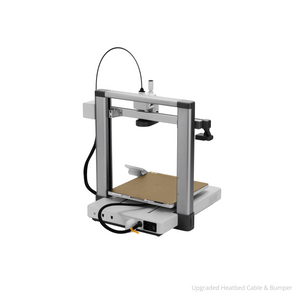
How does the A1 connect, what software does it use, and should I worry about the heatbed cable recall?
The A1 connects over Wi-Fi and prints from Bambu Studio (the free slicer for Windows and macOS), the Bambu Handy mobile app, or a microSD card, and it also works with third-party slicers like OrcaSlicer and PrusaSlicer. Maintenance is light: periodically clean and lubricate the Y-axis rail and Z-axis lead screw, keep the nozzle clean, and check belt tension when the printer prompts you. As for the heatbed cable recall — the U.S. CPSC recall of June 13, 2024 (Recall No. 24-264) covered about 12,800 early A1 units sold from December 2023 through January 2024 after "19 reports of damaged cables, including one cable sparking" and no reported injuries. A1 printers sold since then ship with an upgraded, Kevlar-reinforced heatbed cable, so a new A1 bought today is not affected.